

Client appointment confirmation
The Client Appointment Confirmation functionality allows you to automatically get feedback from the client so that you know whether they will show up for an appointment or not. You can activate it under Other → Profile&settings → Client Reminders → Edit templates → Upcoming Appointment.
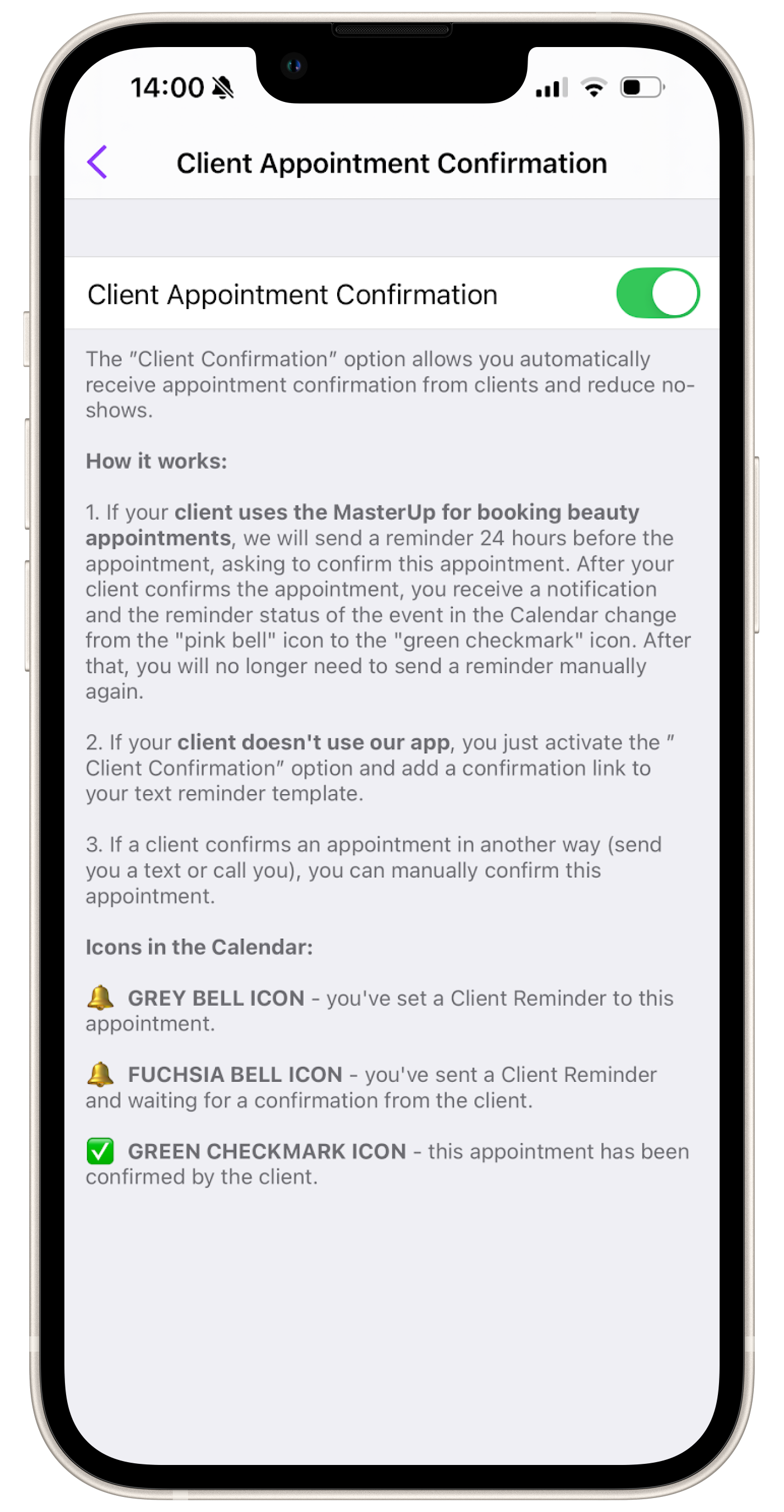
The client can confirm an appointment via the link in the Upcoming Appointment Reminder text that you send before an appointment.
Confirmation via the link in the text
Section titled “Confirmation via the link in the text”When following the link from the reminder text you sent, the client will be sent to the appointment page. This page contains the full details of the client appointment, as well as the option to confirm or cancel it.
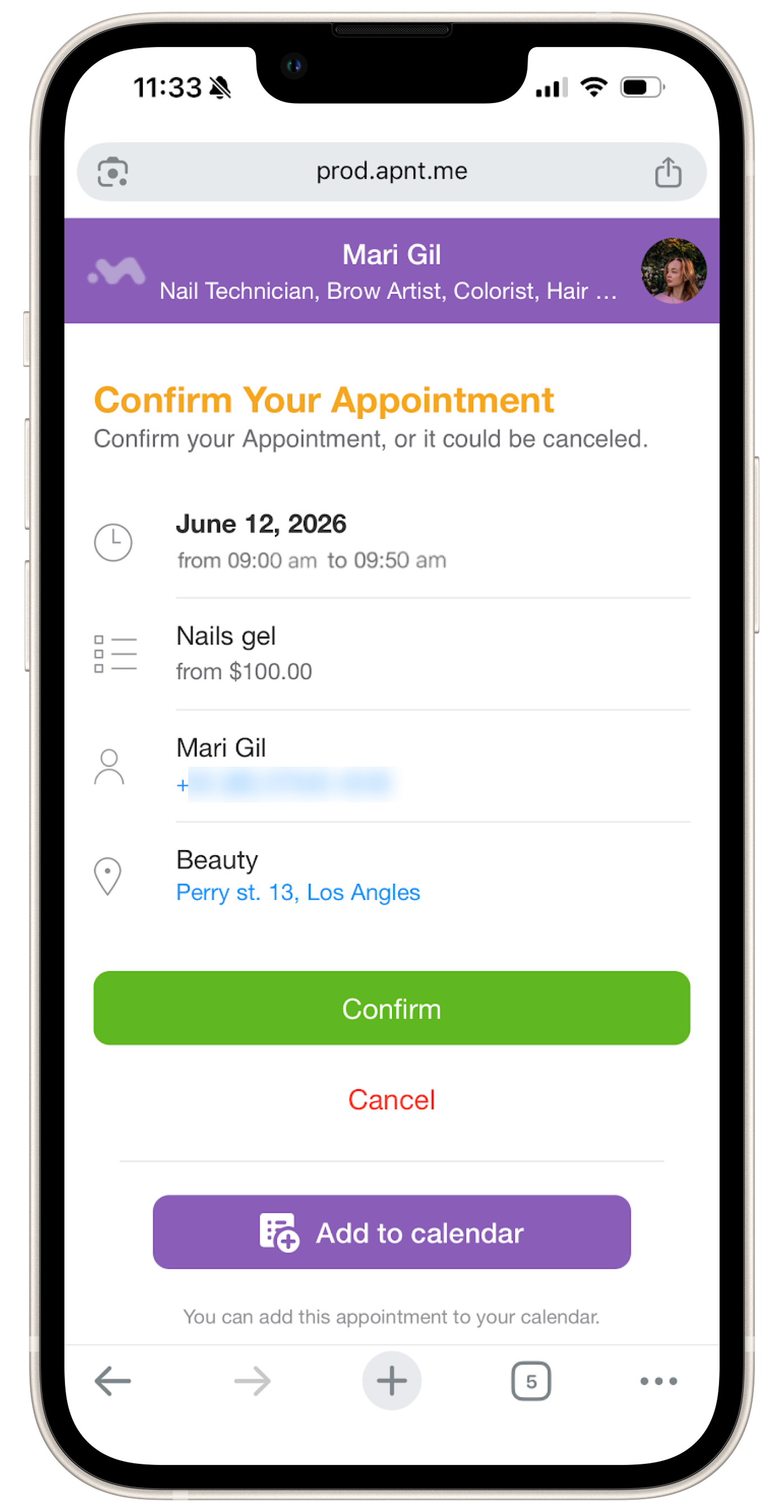
- The Confirm button appears on the appointment page only after the Upcoming Appointment Reminder text has been sent to the client.
- The Confirm button does not appear when you send the New Appointment notification text or other texts. In other messages you send, only the Cancel and Add to calendar buttons will be available. The link in these texts will be strictly informational, with details about the time of their appointments, conditions, and price.
- The Confirm button appears only when the reminder is sent through the app via text message, WhatsApp, and Telegram. If the link to the event page is sent, for example, via Instagram, etc, the Confirm link will not appear for the client.
Manual confirmation
Section titled “Manual confirmation”If the client confirmed that they will show up at the appointment somehow else - for example, they called you and told you that they would be coming - you can manually confirm this in the appointment.