

Buy or extend subscription
You can pay for and renew your subscription under Other → Profile&settings → Subscription.
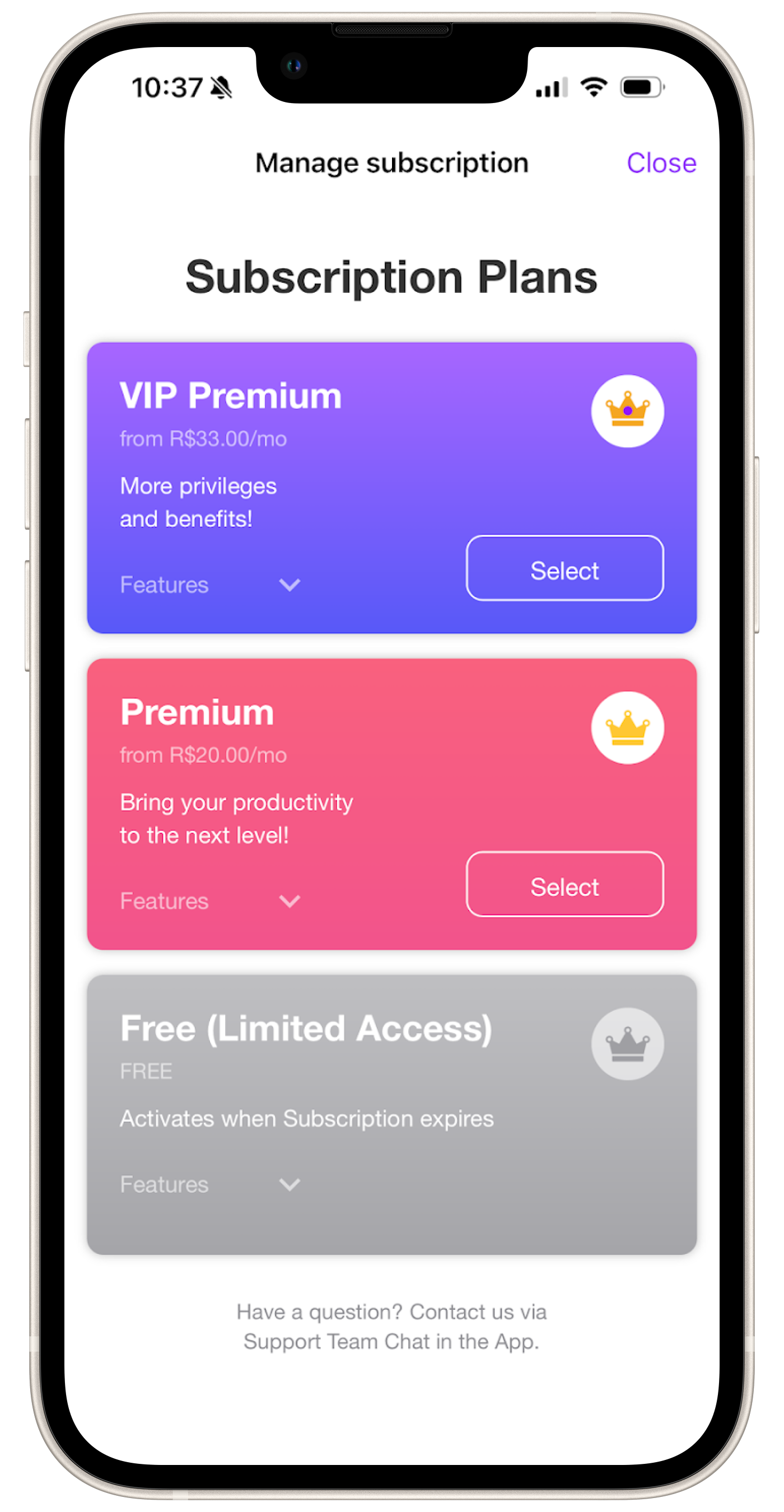
- Select a suitable plan, and tap the Prices button.
- Choose the period of subscription.
- As the last step, you’ll need to submit your purchase via Apple Store in-app screen.
💡 Important: the subscription you purchase via App Store is auto-renewable and will automatically renew every month by charging your card connected to Apple ID. To cancel an auto-renewable subscription, follow these steps:
- Go to iOS Settings.
- Select your Profile and go to the Subscriptions section there.
- Select the MasterUp Pro subscription and cancel it.
After this, you will no longer be charged in the future, and the subscription will continue until the end of the current period.